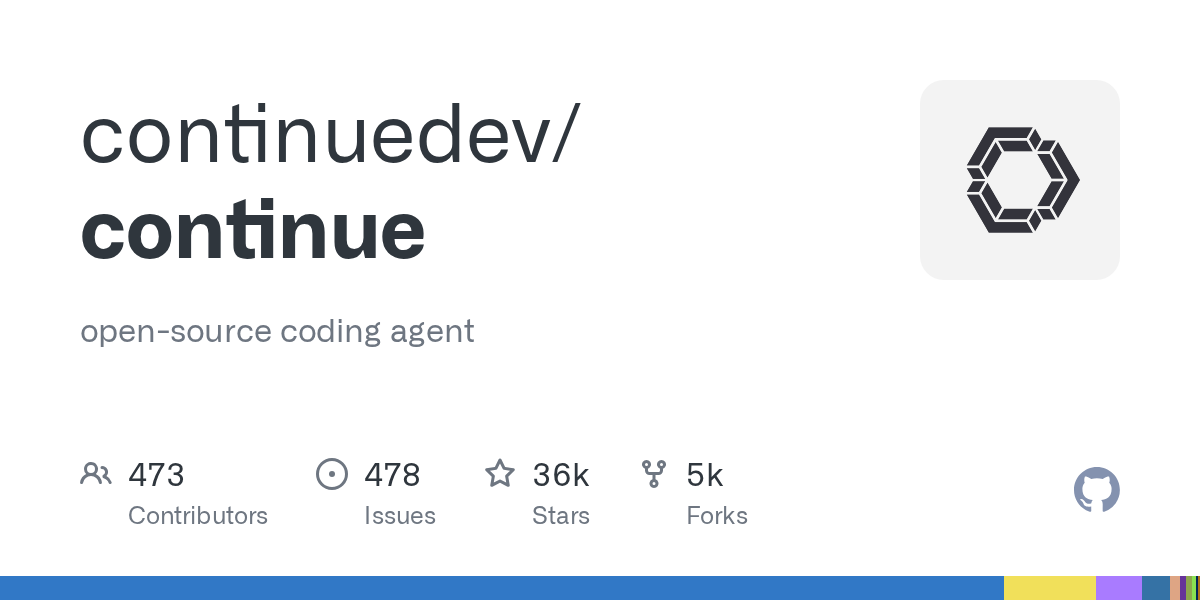
Project card — stars, tech stack, link to source — in the REDDYX catalog: continuedev/continue. The engine itself — in the ollama/ollama card.
WHY LOCAL AUTOCOMPLETION IS NEEDED AT ALL
Three reasons to switch to a local model: code does not leave the machine (NDA, closed repositories), no token cost with active use all day, and no dependence on external API availability. The trade-off — autocomplete quality is usually slightly lower than top cloud models, especially on complex architectural refactoring.
CONNECTING TO CONTINUE (OPEN SOURCE)
Continue — open-source extension for VS Code and JetBrains, originally designed for any models, including local ones. Config config.json:
{
  "models": [
    {
      "title": "Ollama Qwen Coder",
      "provider": "ollama",
      "model": "qwen2.5-coder:7b",
      "apiBase": "http://localhost:11434"
    }
  ],
  "tabAutocompleteModel": {
    "title": "Autocomplete",
    "provider": "ollama",
    "model": "qwen2.5-coder:1.5b-base"
  }
}
For line autocompletion (tab-complete), keep a smaller and faster model — latency is critical while you type. For chat and on-demand refactoring — use a larger model; a 2-3 second latency does not matter there.
CONNECTING TO CURSOR
Cursor — a closed-source fork of VS Code, but it supports a custom OpenAI-compatible endpoint for chat (not for the built-in tab-autocompletion — it is tied to Cursor’s own models). In settings: Models → Add Custom Model → specify base URL http://localhost:11434/v1 and any model name you have downloaded in Ollama.
Practice shows: you cannot fully replace Cursor’s built-in autocomplete with a local model — but the chat assistant and code explanations via the local endpoint work fully.
WHICH MODEL TO CHOOSE FOR CODE
| Task | Model | Why |
|---|---|---|
| Tab-autocompletion (low latency) | qwen2.5-coder:1.5b / 3b | Responds in tens to hundreds of milliseconds |
| Chat refactoring | qwen2.5-coder:7b / 14b | Balance of quality and speed on local hardware |
| Complex multi-file analysis | Cloud model via the same proxy | Local models still lag on long context |
OPEN OLLAMA OVER THE NETWORK FOR IDE ON ANOTHER MACHINE
# на сервере с Ollama — слушать не только localhost
OLLAMA_HOST=0.0.0.0:11434 ollama serve

# в IDE на клиентской машине указать apiBase
# http://IP_СЕРВЕРА:11434
This way you can keep a powerful GPU machine on the network and work from a laptop — the IDE config does not change except for the address.
Frequently Asked Questions
Will autocomplete quality drop compared to Copilot?
On simple template inserts, the difference is hardly noticeable. On complex architectural logic, specialized cloud models are still consistently more accurate — this is an honest trade-off for privacy.
Can the same Ollama instance be used for multiple IDEs simultaneously?
Yes, Ollama is just an HTTP server; any number of clients can connect to it in parallel, the only limitation is hardware performance.
Is a GPU needed for comfortable autocompletion?
Desirable for models 7B and above — on pure CPU, autocompletion latency can become annoying. For 1.5-3B models, a modern CPU or Apple Silicon handles it adequately.
We review fresh open-source tools every day — from local LLMs to security scanners. If you want to be among the first to see what actually works in 2026 — subscribe to the REDDYX AI Telegram channel — new repositories every 30-60 minutes.