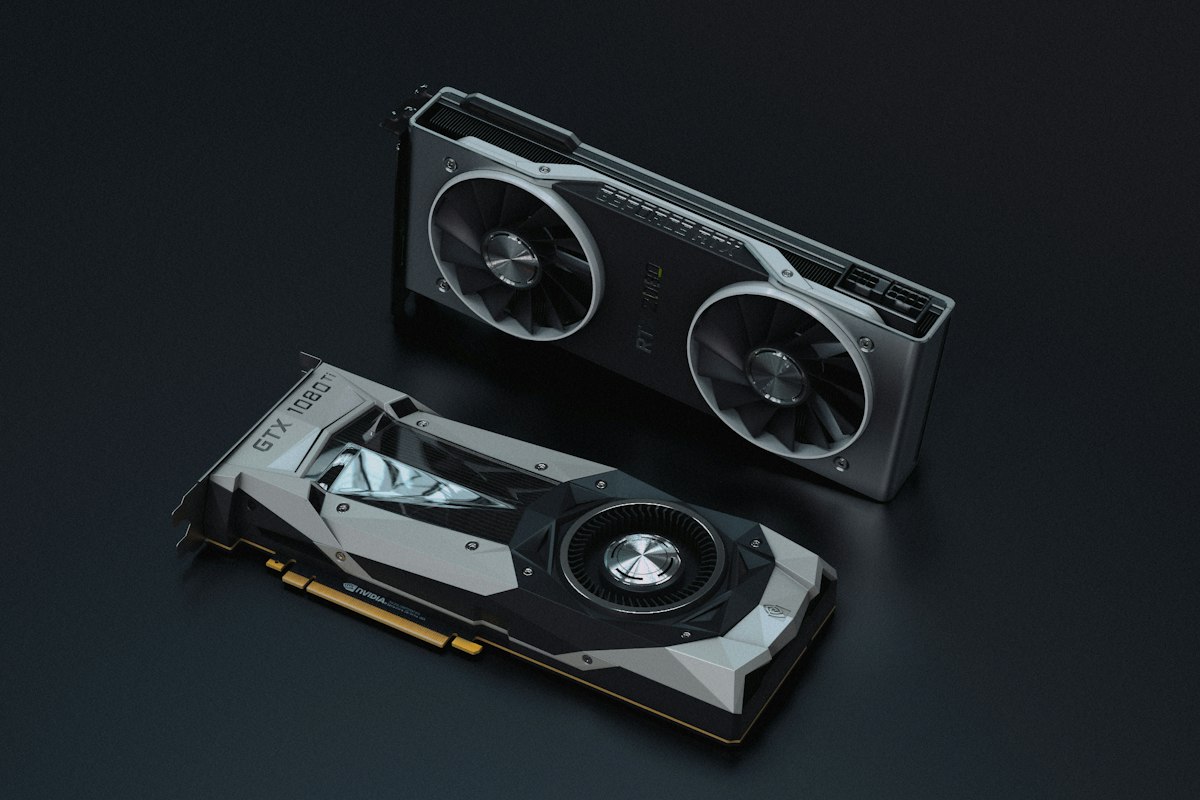
Why 4090 Is Still the Best Consumer Choice in 2026
RTX 5090 has been released, it has 32 GB and higher memory bandwidth, but the 4090 hasn't gone anywhere. On the used market it is noticeably cheaper, and the 8 GB VRAM difference doesn't decide as many scenarios as it seems. For local LLM, three numbers matter: memory size (24 GB GDDR6X), bandwidth (about 1 TB/s), and tensor cores. It is bandwidth that limits token generation speed — LLM inference is a memory-bound task, not compute-bound.
In practice, the 4090 delivers according to community measurements around 130–160 tokens/s on 7B models in Q4 and 40–60 tokens/s on 13B–14B models. This is faster than a human reads, so for chat, coding, and summarization the card is more than comfortable. Fresh model releases and quantizations can be conveniently tracked in the REDDYX catalog — GGUF versions usually appear within a day after the weights are released.
How to Calculate What Fits in 24 GB
The main mistake of a beginner is looking only at the model file size. VRAM is spent on three things:
- Model weights — the main chunk, depends on the number of parameters and quantization.
- KV-cache — grows linearly with context length. For 32K tokens, a 13B model easily adds 3–5 GB on top.
- Overhead — CUDA context, buffers, fragmentation. Allocate 1–2 GB of reserve.
A rough formula for weights: number of parameters (in billions) × bytes per parameter. FP16 — 2 bytes, Q8 — about 1 byte, Q4 — about 0.5 byte. So a 14B model in Q4 weighs around 8–9 GB, leaving 14–15 GB for context and overhead. A 34B model in Q4 — about 19–20 GB, here you’ll need to trim the context.
Quantization: What Is It and Which to Choose
Quantization — compressing weights from FP16 into integer formats of lower bitwidth. Fewer bits per weight — less VRAM and faster inference, but quality loss grows. In the GGUF format (standard for llama.cpp and Ollama), designations look like Q4_K_M, Q5_K_M, Q6_K.
Practical recommendations for formats
- Q4_K_M — the sweet spot. Quality loss is barely noticeable, memory saving is maximal. Default for 90% of cases.
- Q5_K_M / Q6_K — if VRAM allows and you need accuracy in code or math.
- Q8_0 — virtually lossless, but takes twice as much as Q4. For small 7B models this makes sense.
- Q3 and lower — only if the model otherwise wouldn't fit. On large models (30B+), Q3 sometimes beats Q4 of a smaller model.
Rule of thumb: a large model with aggressive quantization is usually smarter than a small model with mild quantization. 34B in Q3_K_M often outperforms 13B in Q6 on reasoning tasks.
Which Models Will Fit: Table
The numbers below are approximate, for a context of about 8K tokens. As context grows, add memory for KV-cache.
| Model (class) | Quant | VRAM weights | Fits in 24 GB? | Speed (tok/s) |
|---|---|---|---|---|
| 7B–8B | Q8_0 | ~8 GB | Yes, with large context | 120–160 |
| 13B–14B | Q4_K_M | ~8–9 GB | Yes, context up to 32K+ | 45–65 |
| 13B–14B | Q6_K | ~11–12 GB | Yes, comfortably | 40–55 |
| 30B–34B | Q4_K_M | ~19–20 GB | Yes, but context must be trimmed | 25–40 |
| 30B–34B | Q5_K_M | ~23 GB | Tight fit, risk of OOM | 20–35 |
| MoE ~30B (active ~3B) | Q4_K_M | ~18 GB | Yes, fast inference | 60–90 |
| 70B | Q4_K_M | ~40 GB | No, needs offload to RAM | 3–8 |
Separately about MoE architectures (Mixture of Experts): they became mainstream in 2025–2026. The overall size is large, but for each token only a small fraction of parameters is activated. Such models give the quality of a large model at the speed of a small one — provided all weights fit in VRAM. For the 4090, this is one of the best directions.
RUNNING VIA OLLAMA: THE SIMPLEST WAY
Ollama — a wrapper over llama.cpp with a human-friendly CLI and automatic model management. Installs in a couple of commands, downloads GGUF automatically and distributes across GPU.
# Установка (Linux/Mac)
curl -fsSL https://ollama.com/install.sh | sh

# Запуск модели 14B в дефолтном кванте
ollama run qwen2.5:14b

# Явно задать квант через тег
ollama run qwen2.5:14b-instruct-q4_K_M

# Проверить, что реально висит на GPU
ollama ps
# STATUS должен показывать 100% GPU, не CPU

# Увеличить контекст (по умолчанию часто 2K–4K)
ollama run qwen2.5:14b
>>> /set parameter num_ctx 32768
Important detail: if ollama ps shows partial offload to CPU, speed drops significantly. Means the model + context didn't fit in VRAM — take a smaller quant or reduce num_ctx.
RUNNING VIA LLAMA.CPP: WHEN YOU NEED CONTROL
If you want manual control over layers, batches, and offload — go directly to llama.cpp. It's the same engine under Ollama's hood, but with full access to flags.
# Сборка с CUDA
git clone https://github.com/ggml-org/llama.cpp
cd llama.cpp
cmake -B build -DGGML_CUDA=ON
cmake --build build --config Release -j

# Запуск сервера с OpenAI-совместимым API
./build/bin/llama-server \
  -m models/qwen2.5-14b-instruct-q4_k_m.gguf \
  -ngl 99 \          # все слои на GPU
  -c 32768 \         # контекст 32K
  --flash-attn \     # экономит VRAM на KV-кэше
  --port 8080

# Проверка через curl (API как у OpenAI)
curl http://localhost:8080/v1/chat/completions \
  -H "Content-Type: application/json" \
  -d '{"messages":[{"role":"user","content":"Привет"}]}'
The flag -ngl 99 means "offload all layers to GPU". If VRAM is insufficient, set a lower number — some layers will go to RAM, speed will drop, but the model will start. The flag --flash-attn is enabled almost always in 2026 — it significantly reduces memory consumption for long context.
FINE-TUNING FOR 24 GB
Several techniques to squeeze the maximum out of the card:
- KV-cache quantization. In llama.cpp, flags
--cache-type-k q8_0 --cache-type-v q8_0compress the cache by half with almost no quality loss. Frees several GB for large context. - Close everything unnecessary. Browser with a hundred tabs, DE on the same GPU — easily eat 1–2 GB. On a dedicated inference machine, keep the display on the integrated graphics.
- Batch inference for load. If running API for multiple requests, check out vLLM — it's more efficient in throughput than llama.cpp thanks to paged attention. But vLLM gets along worse with aggressive GGUF quants; for it they use AWQ or GPTQ.
- Monitor
nvidia-smi. If memory is at 23.5 GB — you're on the edge of OOM on the very first long prompt.
OLLAMA VS LLAMA.CPP VS VLLM: WHAT TO CHOOSE
Briefly by purpose:
- Ollama — quick start, local chat, experiments. One person, one request at a time.
- llama.cpp — the same engine, but with full control. Needed when you hit the wrapper's limitations.
- vLLM — production API, many parallel requests, maximum throughput. Heavier to set up, requires FP16/AWQ weights.
For home use on a single 4090, the Ollama or llama.cpp combo covers almost everything. vLLM is justified when the card serves an application with real load. Selections of inference tools and fresh quants are conveniently monitored in the REDDYX catalog.
Frequent Questions
What's the largest model that fits on RTX 4090?
A dense model in the 30B–34B class at Q4_K_M quantization takes about 19–20 GB and fits in 24 GB VRAM with reduced context. 70B models don't fit entirely — partial offload to system RAM is required, which sharply reduces speed to single digits tokens per second.
What is quantization and why is it needed?
Quantization — compression of model weights from 16-bit format to 4- or 8-bit. This reduces VRAM consumption by 2–4x and speeds up inference at the cost of a small quality loss. The Q4_K_M format is considered the optimal balance and suits most tasks.
Ollama or llama.cpp — which is better for a beginner?
Ollama is simpler: one command downloads and runs the model, automatically distributing layers across GPU. llama.cpp — the same engine under the hood, but with manual control over layers, context, and offload. Start with Ollama, switch to llama.cpp — when you hit its limitations.
Is 24 GB VRAM enough for a local LLM in 2026?
Yes, for the vast majority of tasks. 7B–14B models run in high quality with large context, 30B–34B models in reasonable quantization. Limitations start on models 70B and above, where a card with 48+ GB or multiple GPUs is needed.
Local inference on a 4090 in 2026 is not a compromise, but a full-fledged workstation for private AI without cloud bills and data leaks. Models and quantizations are updated literally daily, and missing a good release is easy. To stay on top of things, check out the Telegram channel REDDYX AI — new repositories every 30-60 minutes.