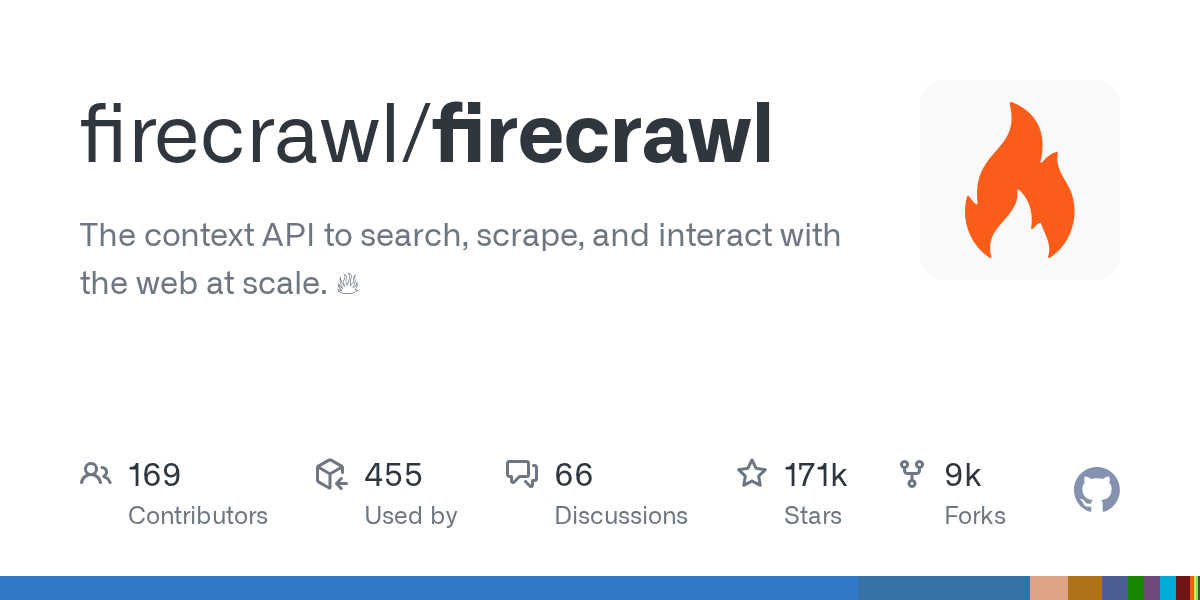
Project card — stars, tech stack, link to sources — in the REDDYX catalog: firecrawl/firecrawl.
WHY LLM CAN'T SIMPLY READ A WEBSITE
Feeding raw HTML to the model is a bad idea: half of the tokens will go to tags, scripts, and menus, not to meaning. Classic parsing (BeautifulSoup, requests) fails on React/Vue sites where content is loaded via JavaScript in the browser. Playwright solves rendering, but then you have to write the extraction logic, pagination handling, and anti‑blocking protection yourself — from scratch for each site.
WHAT FIRECRAWL DOES
- Scrape — one page → clean Markdown, HTML, or structured JSON according to a scheme.
- Crawl — crawling the entire site via internal links with configurable depth and path filters.
- Map — quick construction of a map of all site URLs without downloading content (to estimate volume before a full crawl).
- Extract — extraction of specific fields based on a natural‑language description or JSON schema, with the LLM pulling the needed data from the markup.
Under the hood — a headless browser for JS rendering, proxy rotation, and bypassing part of anti‑bot mechanisms. Available as a cloud API as well as a self‑hosted version for full control over data.
QUICK START WITH PYTHON
from firecrawl import FirecrawlApp

app = FirecrawlApp(api_key="fc-...")

# Одна страница в чистый markdown
result = app.scrape_url("https://example.com/docs", params={
    "formats": ["markdown"]
})
print(result["markdown"])

# Обход всей документации, максимум 100 страниц
crawl = app.crawl_url("https://example.com/docs", params={
    "limit": 100,
    "scrapeOptions": {"formats": ["markdown"]}
})
for page in crawl["data"]:
    print(page["metadata"]["url"], len(page["markdown"]))
FIRECRAWL VS. HOMEMADE PARSER
| Criterion | Firecrawl | requests + BeautifulSoup | Playwright from scratch |
|---|---|---|---|
| JS rendering | Out of the box | No | Needs configuration |
| Anti‑blocking bypass | Built‑in | No | You implement it yourself |
| Format for LLM | Ready markdown/JSON | Raw HTML | Raw HTML |
| Full site crawl | One command | You implement the crawl yourself | You implement the crawl yourself |
| Integration time | Minutes | Hours per site | Days per site |
TYPICAL USE CASES
- RAG over competitor or partner documentation — crawl the entire docs section, chunk markdown, load into a vector database.
- Price and content monitoring — regular scraping with extraction according to the scheme "name, price, availability", without manual markup for each site.
- Web browsing for agents — the agent receives a task "find information about X", and Firecrawl gives it ready‑to‑read text, not an HTML soup.
HONEST LIMITATIONS
A full crawl of a large site (tens of thousands of pages) takes time and costs money on the cloud plan — self‑hosting removes the cost question but requires its own infrastructure for rendering. Some sites with aggressive antibot protection will still need additional proxy configuration. And, as with any scraping, you should check the target site’s robots.txt and terms of use.
Frequently Asked Questions
How is Firecrawl better than a regular Playwright script?
Playwright is a low‑level tool — you write the rendering, extraction, and navigation logic yourself for each site. Firecrawl provides this as a ready‑to‑use service: one command instead of hundreds of lines of code for each new source.
Can I self‑host Firecrawl?
Yes, the repository includes a self‑host option via Docker — useful if data must not leave your infrastructure, or if the volume is too large for the cloud plan.
Is it suitable for sites with login?
Yes, by passing headers or session cookies in the request parameters — but for sensitive data, check whether the site owner permits it.
We break down fresh open‑source tools every day — from no‑code platforms to security scanners. If you want to be among the first to see what actually works in 2026, subscribe to the REDDYX AI Telegram channel — new repositories every 30‑60 minutes.